Change Site Details
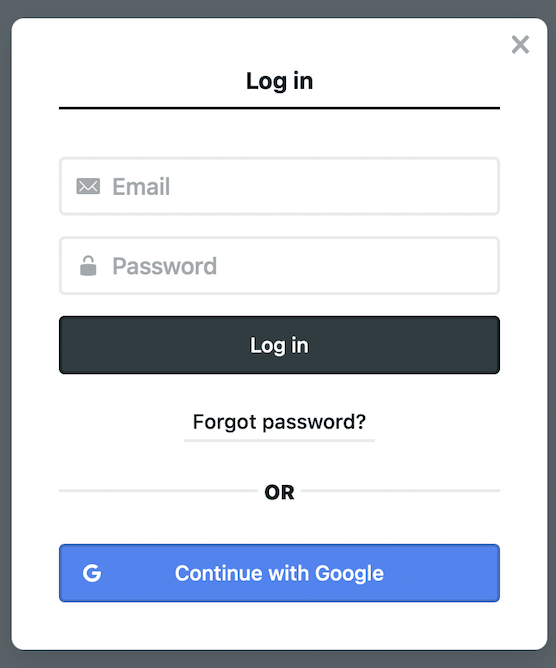
Login the CMS here#
note
Use your own id as you have registered before.
Navigation#
- Navigate to
Settingsas shown below
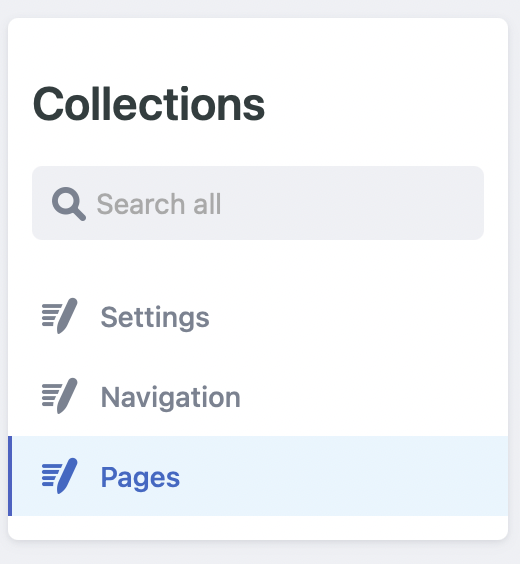
- Click on
General.
Edit Website Info#
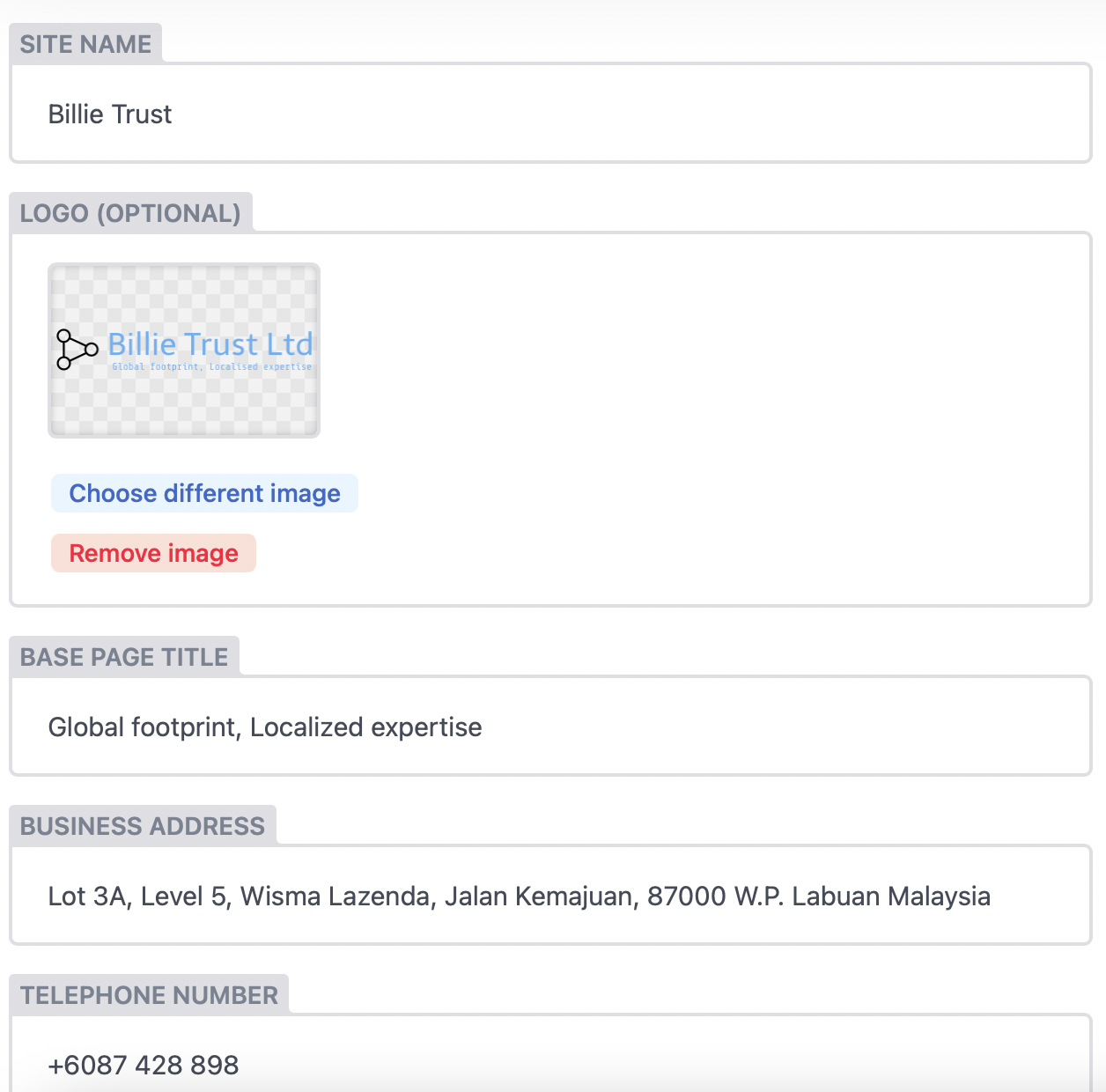
Fill up all the necessary fields
caution
You may replace the logo but be sure to notify us as it may need some technical changes on the back-end.
Publish#
Once everything is set up, click Publish. Your changes will be reflected after few minutes. Please check it regularly after some time