Creating Page
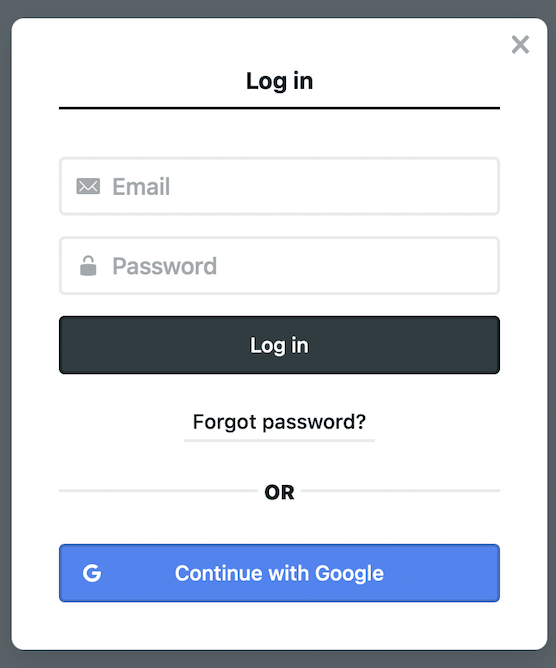
Login the CMS here#
note
Use your own id as you have registered before.
Go to Pages#
- Navigate to
Pagesas shown below
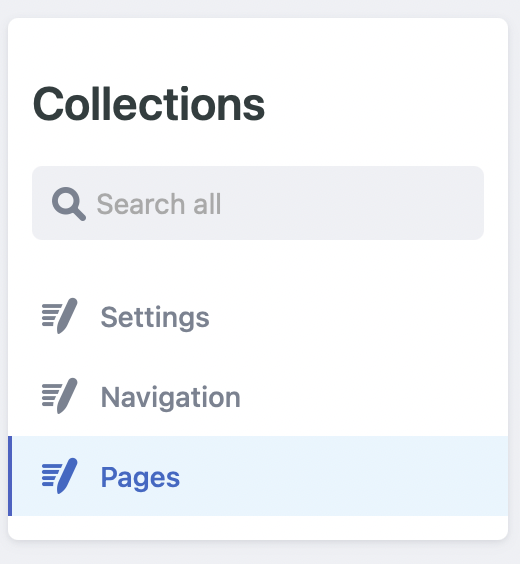
- Click on
New Page.
Writing#
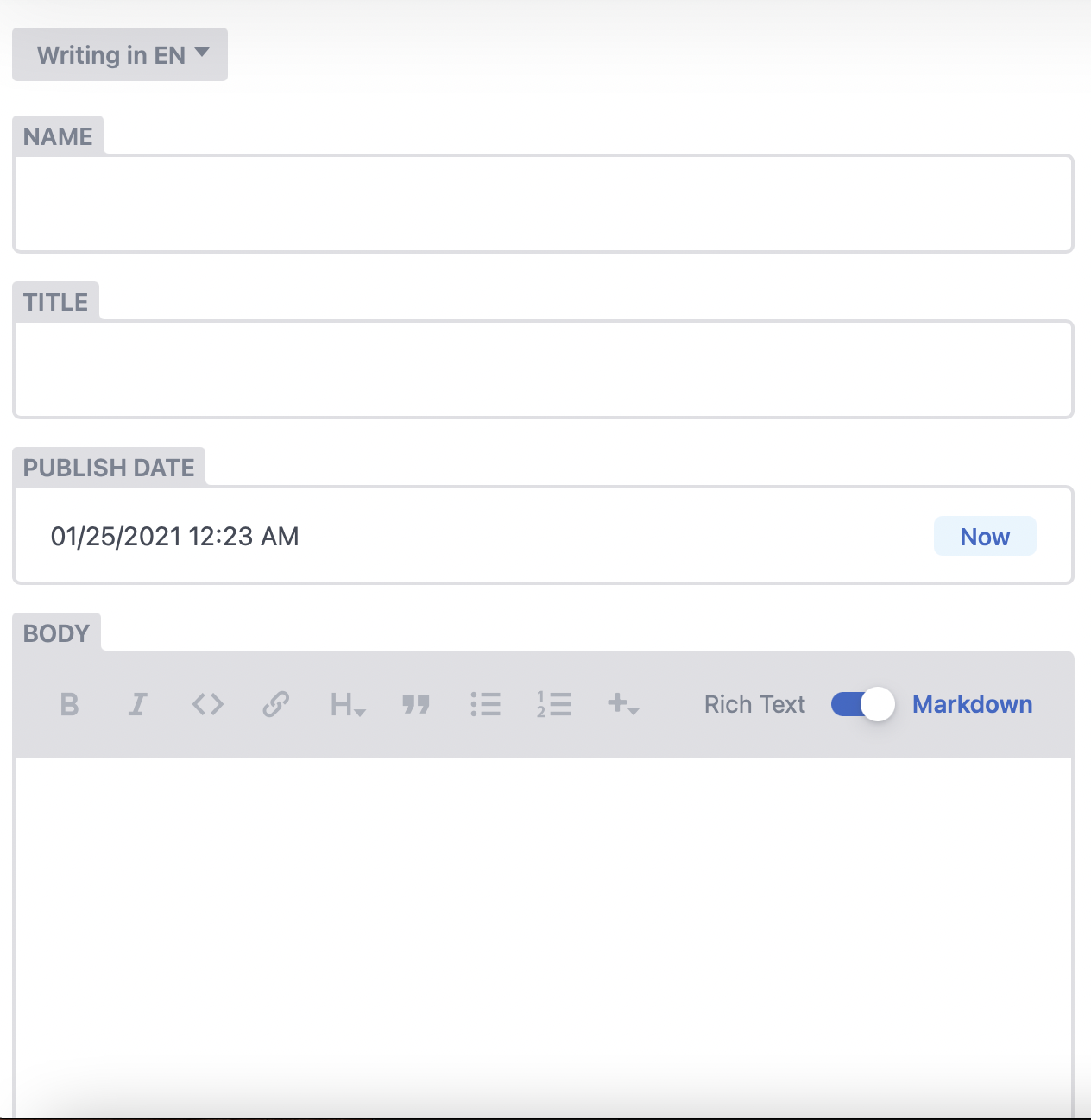
Fill up all the empty fields (writing in EN)
important
This CMS is capable to handle two languages which allow the website to be served in preferred user language. The default language is English. At the moment, your package does not include this feature. Please contact us to upgrade.
Publish#
Once everything is set up, click Publish. Your changes will be reflected after few minutes. Please check it regularly after some time